


Brand setup
Keep your brand resources in one place
Organize the assets, colors, fonts, and templates your team needs to create consistent banner ads.

Brand Fetching
Pull logos, colors, fonts, and other brand assets directly from a website.
Brand Assets
Keep logos, images, and other brand resources available in your Brand Library.

Brand Workspaces
Create separate workspaces for different brands or clients and control who has access.

Editable Templates
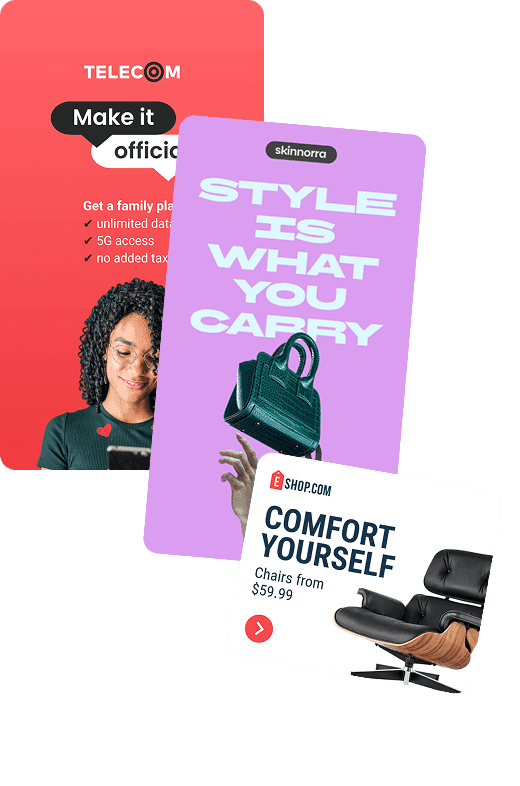
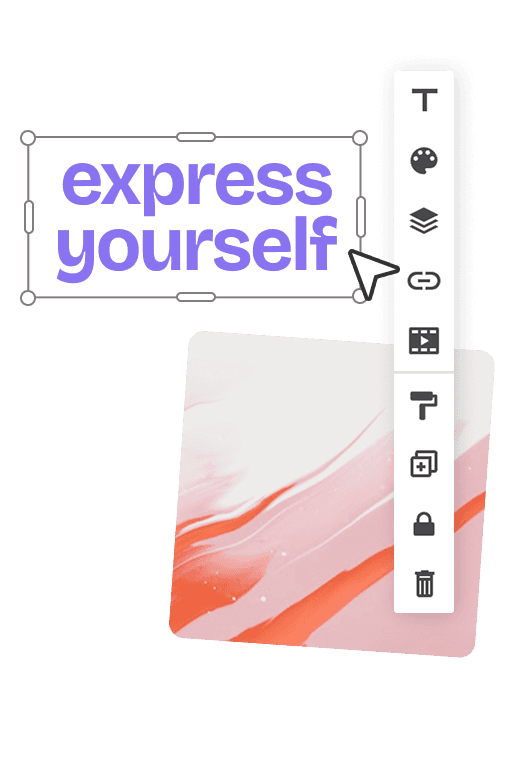
Start from ready-made templates and customize every part of the design.

Custom Templates
Save your own designs as templates for your team to use again.
Reusable Designs
Duplicate existing banners and build from previous work instead of starting over.
How it works
Set up once. Reuse across every banner.
Create a workspace for each brand, add its resources, and save starting points your team can reuse.

WHY BANNERSNACK
Spend less time on repetitive setup
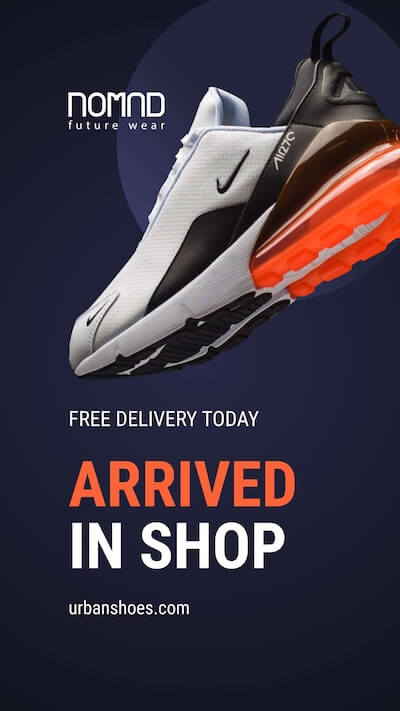
Start new banner designs from existing templates and resources instead of rebuilding the basics again and again.
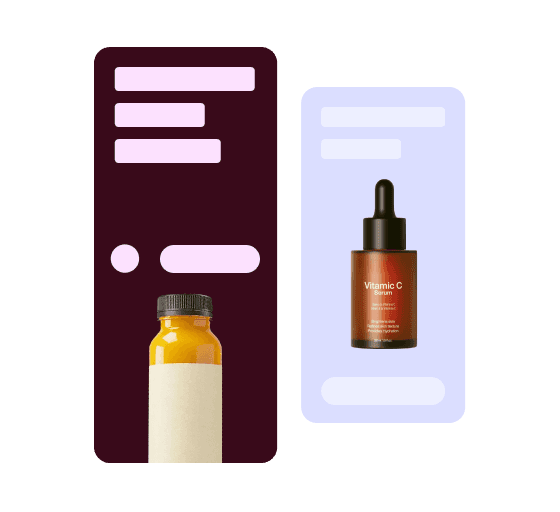





Related features
More tools for building banner ads
Combine animation controls with the rest of your banner workflow, from design to resizing and export.


Can I create my own banner templates?
Yes. You can save your own designs as custom templates and reuse them for future banners and campaigns.
Are Bannersnack templates editable?
Yes. Templates are starting points, so you can customize the text, images, colors, fonts, animations, and other design elements.
Can I keep brand assets together in Bannersnack?
Yes. The Brand Library lets you keep logos, images, colors, fonts, and other brand resources together for easy reuse.
Can I create separate workspaces for different brands or clients?
Yes. You can organize work into dedicated workspaces for different brands, clients, or projects and add the team members who need access.
Can I reuse an existing banner instead of starting over?
Yes. You can duplicate existing designs or start from a saved template, then customize the new version for your next campaign.