


EN

Animate your banner ads with ease

Animate your banner ads with ease

Add motion to your banner ads using a visual timeline. Control timing, easing, delays, loops, and animations directly in the editor.

Add motion to your banner ads using a visual timeline. Control timing, easing, delays, loops, and animations directly in the editor.

Bannersnack animation editor showing banner ad animation controls and a visual timeline.

TRUSTED BY CREATIVES FROM THE BIGGEST BRANDS AND AGENCIES

TRUSTED BY CREATIVES FROM THE BIGGEST BRANDS AND AGENCIES

Logo of the brand Zeiss
Logo of the brand Up Digital
Logo of the brand Astrix
Logo of the brand Lead Agency
Logo of the brand Virgin Media
Logo of the brand Uber Freight
Logo of the brand CAYK
Logo of the brand Archetype

Animation controls

Control every part of your banner animation

Set when elements appear, how they move, how long animations last, and how they repeat, all from the visual timeline.

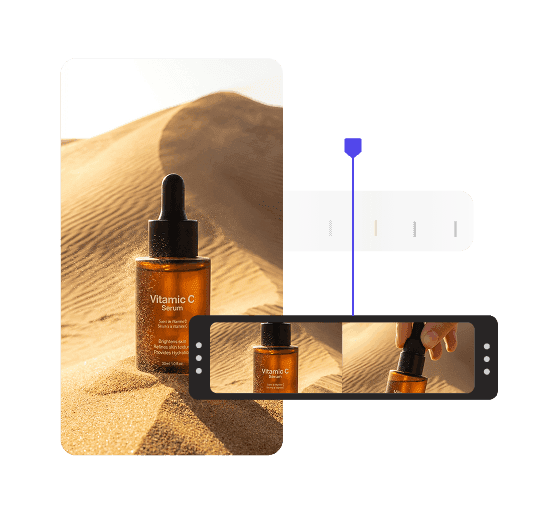
Visual timeline showing animation timing and motion controls for banner ad elements.

Visual Timeline

See and adjust the timing of every element in your banner.

Magic Animator presets for applying one-click animations to banner ad elements.

Magic Animator

Animate your entire design in one click, then fine-tune it as needed.

Custom animation timeline showing move and scale effects applied to banner ad elements.

Custom Animation

Create your own motion and fine-tune how each element moves.

Start, middle, and end animation presets shown on a banner ad timeline.

Start, Middle & End Animation Presets

Add motion as elements enter, stay on screen, and exit.

Animation timing controls showing duration, delays, and loop settings for banner ad elements.

Timing, Delays & Loops

Control when animations start, how long they last, and how they repeat.

Easing controls for adjusting the speed and flow of banner ad animations.

Easing Controls

Adjust the speed and flow of movement for smoother animations.

How it works

Animate your banner in four steps

Add motion quickly, then fine-tune the details before you export.

1

Choose an animation

Apply an animation to an element or animate the full design with Magic Animator.

2

Adjust the timing

Set when each animation starts, how long it lasts, and where it sits on the timeline.

3

Fine-tune the motion

Customize movement, easing, delays, and other animation settings.

4

Preview & export

Preview the complete animation, then export it in the format your campaign needs.

1

Choose an animation

Apply an animation to an element or animate the full design with Magic Animator.

2

Adjust the timing

Set when each animation starts, how long it lasts, and where it sits on the timeline.

3

Fine-tune the motion

Customize movement, easing, delays, and other animation settings.

4

Preview & export

Preview the complete animation, then export it in the format your campaign needs.

ANIMATED BANNER TEMPLATES

TEMPLATES

Start with an animated design

Start with an animated design

Choose a ready-made template, customize the design, then adjust the animation to fit your campaign.

Choose a ready-made template, customize the design, then adjust the animation to fit your campaign.

  • Editable banner ad template for display advertising, social media, and marketing campaigns.
  • Editable banner ad template for display advertising, social media, and marketing campaigns.
  • Editable banner ad template for display advertising, social media, and marketing campaigns.
  • Editable banner ad template for display advertising, social media, and marketing campaigns.
  • Editable banner ad template for display advertising, social media, and marketing campaigns.
  • Editable banner ad template for display advertising, social media, and marketing campaigns.
  • Editable banner ad template for display advertising, social media, and marketing campaigns.
  • Editable banner ad template for display advertising, social media, and marketing campaigns.
  • Editable banner ad template for display advertising, social media, and marketing campaigns.
  • Editable banner ad template for display advertising, social media, and marketing campaigns.
  • Editable banner ad template for display advertising, social media, and marketing campaigns.
  • Editable banner ad template for display advertising, social media, and marketing campaigns.
  • Editable banner ad template for display advertising, social media, and marketing campaigns.
  • Editable banner ad template for display advertising, social media, and marketing campaigns.
  • Editable banner ad template for display advertising, social media, and marketing campaigns.
  • Editable banner ad template for display advertising, social media, and marketing campaigns.
  • Editable banner ad template for display advertising, social media, and marketing campaigns.
  • Editable banner ad template for display advertising, social media, and marketing campaigns.
  • Editable banner ad template for display advertising, social media, and marketing campaigns.
  • Editable banner ad template for display advertising, social media, and marketing campaigns.
  • Editable banner ad template for display advertising, social media, and marketing campaigns.

FAQ

Frequently Asked Questions

Answers about creating, animating, and exporting banner ads.

FAQ

Frequently Asked Questions

Answers about creating, animating, and exporting banner ads.

Can I animate banner ads without coding?

Yes. Bannersnack lets you add and control animations visually using the editor and timeline, without writing code.

Can I create custom animations?

Yes. You can customize how elements move, including timing, direction, easing, duration, offset, and transparency

What types of animations can I add?

You can add start, middle, and end animations, including effects such as slide, scale, blur, rotate, flip, and opacity changes.

Can I control animation timing and delays?

Yes. Use the visual timeline to choose when each animation starts, how long it lasts, and how elements are sequenced.

Do animations carry over when I resize a banner?

Yes. Smart Resize can carry animations into the new banner sizes, and you can fine-tune individual sizes afterward.
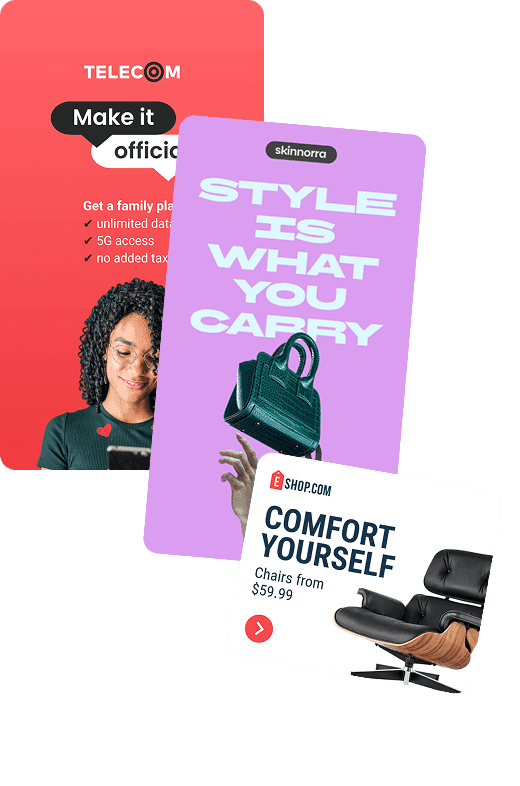
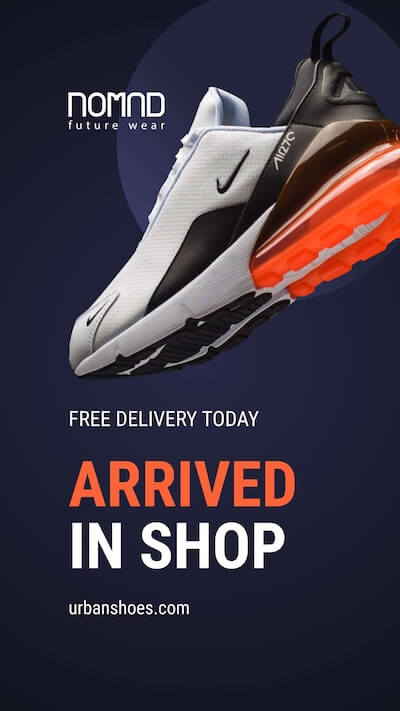
Editable banner ad template for display advertising, social media, and marketing campaigns.

Easy banner animation, full control

Create animated banner ads with presets for speed and custom controls for timing, easing, and movement.

Easy banner animation, full control

Create animated banner ads with presets for speed and custom controls for timing, easing, and movement.

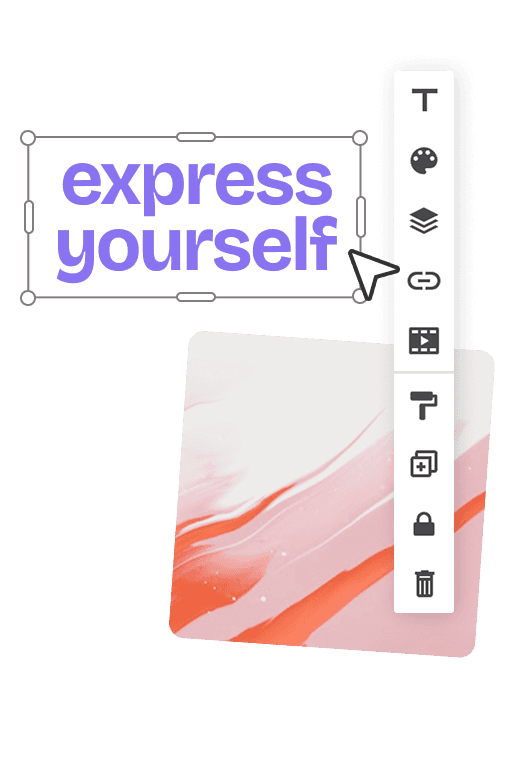
Banner design editor with editable text, image layers, and formatting controls for customizing ad creatives.