

EN

Make

HTML5 banners

Create HTML5 banners online without writing code

Create HTML5 banners online without writing code

Design and animate your banners in one visual editor. Start with a template or build your own layout, customize every detail, and export as HTML5 for your advertising campaigns.

Design and animate your banners in one visual editor. Start with a template or build your own layout, customize every detail, and export as HTML5 for your advertising campaigns.

HTML5 banner editor with color and filter settings and an embed code snippet

TRUSTED BY CREATIVES FROM THE BIGGEST BRANDS AND AGENCIES

TRUSTED BY CREATIVES FROM THE BIGGEST BRANDS AND AGENCIES

Logo of the brand Zeiss
Logo of the brand Up Digital
Logo of the brand Astrix
Logo of the brand Lead Agency
Logo of the brand Virgin Media
Logo of the brand Uber Freight
Logo of the brand CAYK
Logo of the brand Archetype

TEMPLATES

Start faster with HTML5 banner templates

Find inspiration for your next campaign in ready-made banner designs. Add your content, customize the animation, and make each template fit your brand.

HTML5 banner features

From design to HTML5 ad in one place

Build your layout, control the animation, and prepare your HTML5 banners for the placements your campaign needs.

Design visually, skip the code

Arrange text, images, shapes, and buttons in the editor. Customize every element while Bannersnack handles the HTML5 code.

Get moving with Magic Animator

Apply an animation preset to your banner, then adapt the effects to fit your message.

Fine-tune every animation

Use the timeline to adjust timing and duration, or create custom animations for individual elements.
Keep your brand in every banner

Upload your logos, images, and fonts, then apply your colors to make each design unmistakably yours.
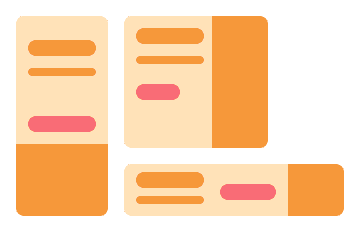
Build a full set of banner sizes

Adapt one design to multiple placements and update shared content across your banner set.

Export HTML5 or embed online

Download your banner as an HTML5 package for your ad platform, or use an embed code to display it on your website.

How it works

How to create an HTML5 banner

Take your banner from first layout to HTML5 export in four simple steps.

1

Choose your size and starting point

Select the dimensions for your ad placement, then open a template or start with a blank canvas.

2

Make the design yours

Add your message, images, and logo. Adjust the layout, fonts, and colors to match your campaign.

3

Add and refine your animation

Apply a Magic Animator preset or animate elements individually. Fine-tune effects and timing in the timeline, then preview your banner.

4

Export your HTML5 banner

Download your design as an HTML5 package for your ad platform, or copy the embed code to display it on your website.

1

Choose your size and starting point

Select the dimensions for your ad placement, then open a template or start with a blank canvas.

2

Make the design yours

Add your message, images, and logo. Adjust the layout, fonts, and colors to match your campaign.

3

Add and refine your animation

Apply a Magic Animator preset or animate elements individually. Fine-tune effects and timing in the timeline, then preview your banner.

4

Export your HTML5 banner

Download your design as an HTML5 package for your ad platform, or copy the embed code to display it on your website.

Who is it for

HTML5 banners for designers, marketing teams and agencies

From a single ad to a full campaign, create and update HTML5 banners with control over the design and no code to maintain.

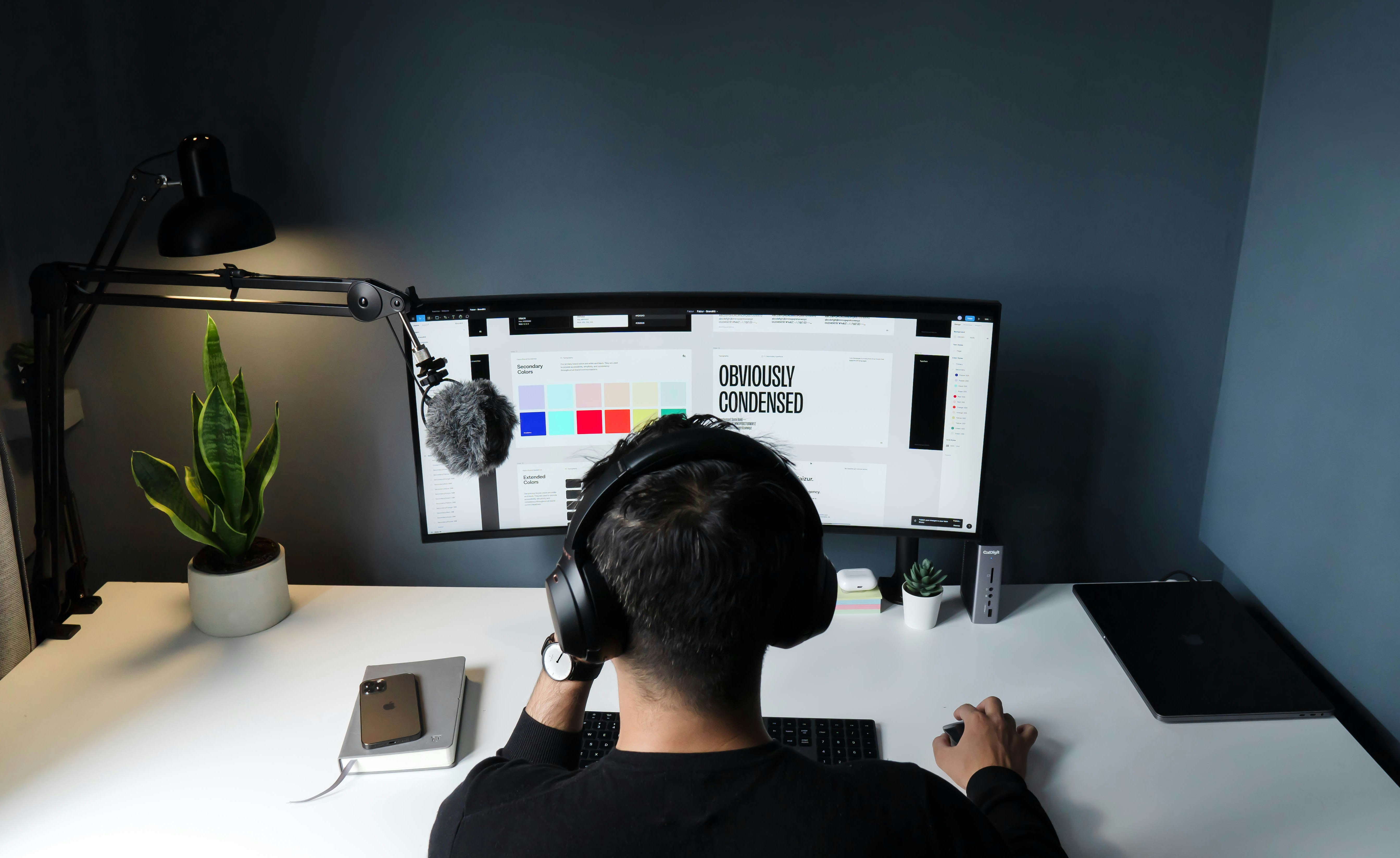
Creative team collaborating on design projects using laptops.

For designers

Take your designs through animation and HTML5 export yourself, with control over layouts, effects, and timing.

Creative team collaborating on design projects using laptops.

For designers

Take your designs through animation and HTML5 export yourself, with control over layouts, effects, and timing.

Marketing professional working on creative assets at a desktop workstation

For marketers

Turn campaign ideas into HTML5 ads and update offers, messages, and visuals as your campaigns change.

Marketing professional working on creative assets at a desktop workstation

For marketers

Turn campaign ideas into HTML5 ads and update offers, messages, and visuals as your campaigns change.

Professional preparing digital assets on a laptop for advertising campaigns.

For agencies

Produce HTML5 banner sets for multiple clients, collect feedback, and adapt approved designs to more placements.

Professional preparing digital assets on a laptop for advertising campaigns.

For agencies

Produce HTML5 banner sets for multiple clients, collect feedback, and adapt approved designs to more placements.

Plans & pricing

Choose a plan for your HTML5 banner workflow

Find the right plan for creating HTML5 ads, managing multiple campaigns, or collaborating with your team.

Pro

Unleash your creativity

$

18

/mo

$ 216 billed yearly

Design, animate, and export HTML5 banners for your campaigns.

Plus

Next-level productivity

$

36

/mo

$ 432 billed yearly

Manage more projects with multiple workspaces and branded share links.

Small team

Everything your team needs to get started

$

39

/mo

$ 1,404 billed yearly

Get Plus capabilities and bring your team together to create and review ads.

FAQ

Your questions about HTML5 banners, answered

Learn more about animation effects, customization, and choosing the right format for your ads.

FAQ

Your questions about HTML5 banners, answered

Learn more about animation effects, customization, and choosing the right format for your ads.

What is an HTML5 banner ad?

An HTML5 banner is a web-based ad built with HTML, CSS, and JavaScript. It can combine text, images, animation, and clickable elements. In Bannersnack, you create the design visually, and the editor generates the code for you.

Do I need coding skills to create HTML5 banners?

No. Start with a template or a blank canvas, add your content, and customize the design in the visual editor. Apply animation presets or create your own effects using the timeline.

Can I use my HTML5 banners on advertising platforms?

You can export your design as an HTML5 package for platforms that accept uploaded HTML5 ads. Before uploading, check your platform’s requirements for dimensions, file size, animation, and account eligibility.

Can I create multiple sizes of the same HTML5 banner?

Yes. Adapt your design to different banner sizes, then fine-tune each layout. You can also update shared text, images, and colors across your banner set.

How do I add an HTML5 banner to my website?

Copy your banner’s embed code from Bannersnack and paste it into your website’s HTML or an embed block in your website builder. Preview the page to check how the banner displays and plays.
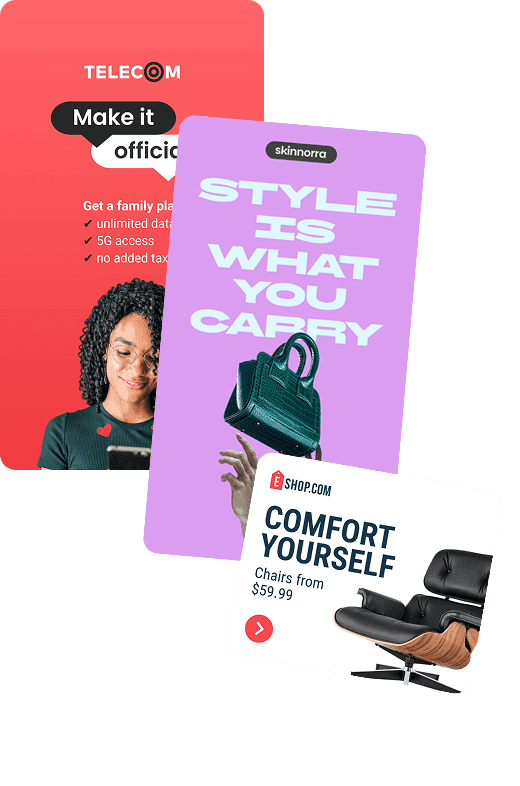
Editable banner ad template for display advertising, social media, and marketing campaigns.

Your next HMTL5 banner starts here

Turn your campaign idea into an HTML5 ad. Design, animate, and export in one place, without writing code.

Your next HMTL5 banner starts here

Turn your campaign idea into an HTML5 ad. Design, animate, and export in one place, without writing code.

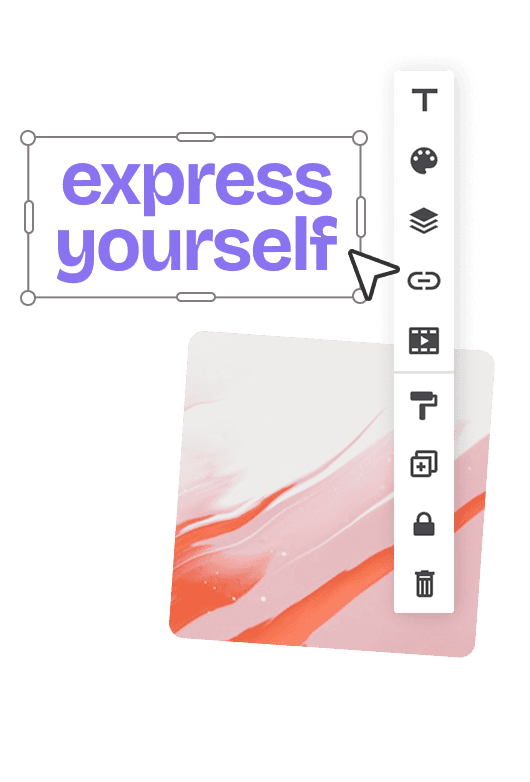
Banner design editor with editable text, image layers, and formatting controls for customizing ad creatives.