




EXPORT FORMATS
Export banner ads in every format you need
Download production-ready files for websites, ad networks, social media, email, and print.
HTML5
Download interactive and animated banner ads for websites and supported advertising platforms.

AMPHTML
Export lightweight animated ads designed for fast loading across supported ad networks.

GIF
Download animated banners for email, websites, and platforms that accept GIF files.

MP4
Export smooth, high-quality video files for social media and digital campaigns.

JPG and PNG
Download static banners as compact JPG or lossless PNG files, with optional transparency.

Export screen-ready or high-quality PDF files for digital use and print.
Publishing options
Publish directly to websites and ad networks
Use Embed Code for websites or AdTag for supported advertising platforms, with no files to download or upload.
How it works
Go from design to delivery in three steps
Make your banner interactive, fine-tune your settings, then download a file or generate the code for publishing.

WHY BANNERSNACK
Finish the job without extra tools
Export files or generate code directly from the editor, without converting your banner elsewhere or changing the way your team works.














Related features
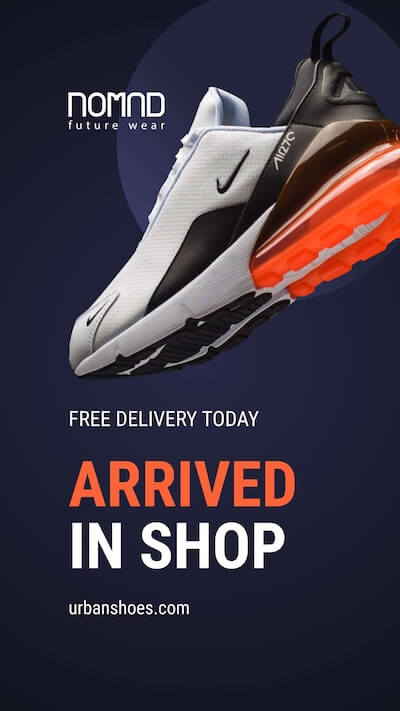
Create, animate, and resize in one workflow
Prepare designs for every size and placement before you export or publish.


What banner file formats can I export from Bannersnack?
You can export banners as HTML5, AMPHTML, GIF, MP4, JPG, PNG, or PDF files. The available options depend on whether your design is static or animated.
Can I export HTML5 banners for ad networks?
Yes. You can export HTML5 banners with ClickTags and fallback images for supported advertising platforms. Always check the file size, animation, and content requirements of the network where the banner will run.
Can I download multiple banner sizes at once?
Yes. When working with a banner set, you can export all its sizes together instead of downloading each banner separately.
What is the difference between Embed Code and AdTag?
Embed Code is designed for adding banners to websites, blogs, and landing pages. AdTag is intended for running banners through supported ad networks and can be configured for general or network-specific use.
Can I update a banner without replacing its Embed Code or AdTag?
Yes. Changes made to a banner in Bannersnack are reflected in the hosted version, so you do not need to replace the existing code or upload a new file.