Want to edit instead of convert?
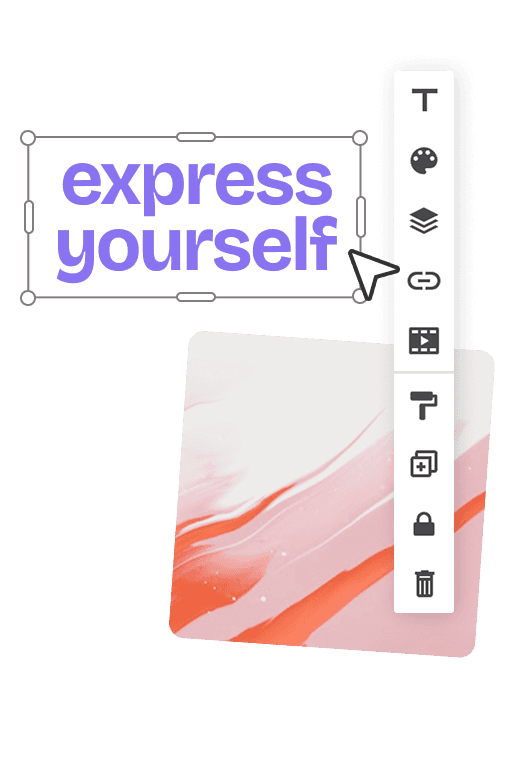
Import your PSD into Bannersnack to edit layers, resize for multiple formats, and export banner-ready assets.








How it works
Convert your PSD in three steps
Upload your PSD, choose the output format, and download a web-ready image in seconds.
1
Upload
Drag & drop your Photoshop PSD file or choose one from your device.
2
Convert
Choose PNG, JPG, or WebP, adjust quality and size if needed, then convert in seconds.
3
Download
Download your converted image instantly and use it anywhere you need.
Benefits
Why use our PSD converter?
Convert Photoshop PSD files to PNG, JPG, or WebP without installing software or creating an account.
FOR EVERY TEAM
Built for the way creative teams work
Whether you're creating marketing assets, reviewing designs, or preparing campaign creatives, our PSD converter helps you move faster without Photoshop.
Marketers
Convert PSD creatives into web-ready assets for landing pages, email campaigns, social and display ads without relying on Photoshop.

Designers
Quickly export PSD mockups as PNG, JPG, or WebP to share concepts with clients, teammates, or stakeholders.

AdOps Teams
Prepare production-ready assets for display campaigns, ad networks, QA, and creative approvals.
Explore more tools
Keep creating with more free tools
Discover more free tools to resize images, extract color palettes, and prepare production-ready creatives.


Can I convert a PSD file without Photoshop?
Yes. Upload your Photoshop PSD or PSB file and convert it to PNG, JPG, or WebP directly in your browser. No Adobe Photoshop installation or subscription is required.
Will my PSD layers stay editable?
No. This tool converts your PSD into a flattened image. If you need to continue editing layers, import your PSD into Bannersnack instead.
Which file formats can I export?
You can export your PSD as PNG, JPG, or WebP. Choose the format that best fits your website, marketing campaign, social media, or presentation.
Is the PSD converter free?
Yes. You can convert PSD files online for free without creating an account.
What's the difference between a PSD converter and a PSD editor?
A PSD converter turns your Photoshop file into an image such as PNG, JPG, or WebP. A PSD editor lets you continue working with layers, modify the design, resize it, and export production-ready assets.