

TEMPLATES
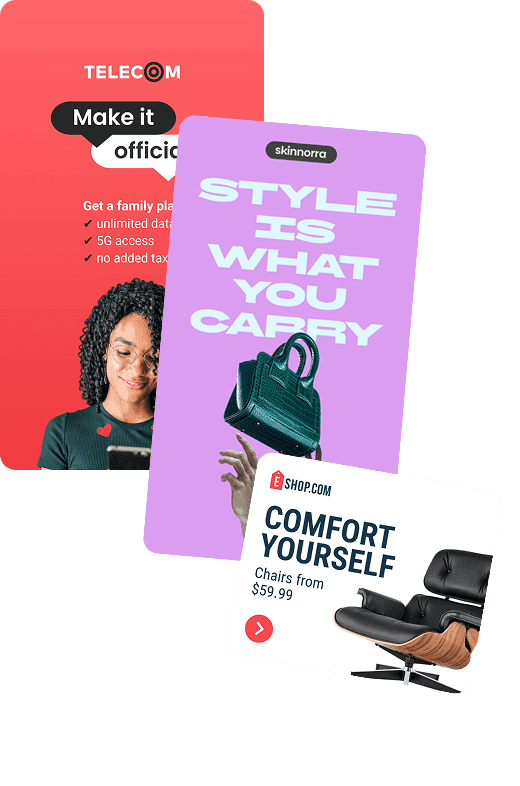
Start faster with animated GIF templates
Find a design that fits your message, with animation already in place. Add your text, images, and brand colors, then adjust the timing to make it your own.


GIF DESIGN & ANIMATION
Create custom GIFs with control over every move
Build your design, animate your message, and choose export settings that balance GIF quality and file size.

Start with a template or a blank canvas
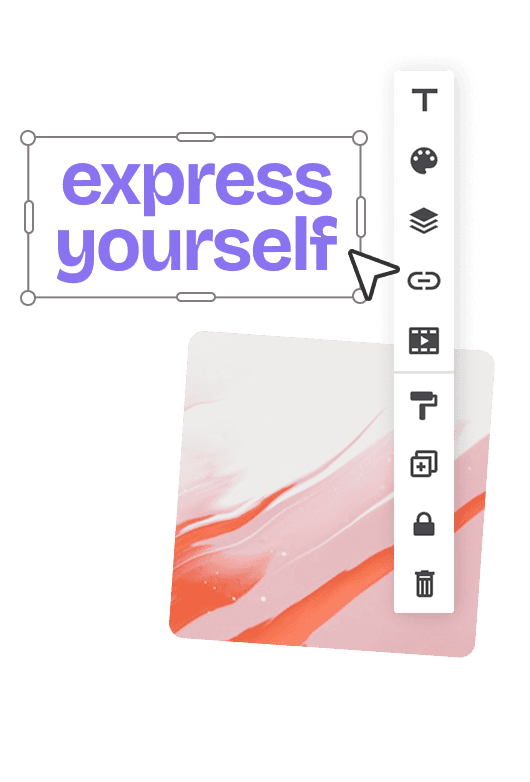
Build your design with text, images, shapes, and backgrounds, then add your brand’s fonts, logo, and colors.

Animate with Magic Animator
Apply a ready-made preset to get your design moving, then customize the effects to suit your message.

Set the pace in the timeline
Adjust when elements appear and how long they stay, giving viewers time to follow your message.

Go beyond animation presets
Create custom animations for individual elements, from a subtle product entrance to a bold moving headline.

Choose how your GIF plays
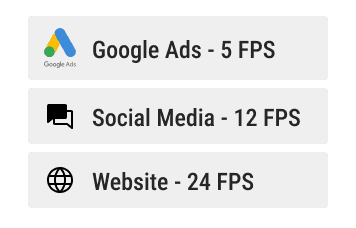
Adjust the frame rate and set your GIF to loop continuously or repeat a specific number of times.
Get the right quality and file size
Start with an export preset or fine-tune colors and compression to suit where your GIF will appear.
How it works
How to create an animated GIF
Turn your text and images into a GIF in four simple steps.

Who is it for
Create animated GIFs for your brand or your clients
Turn product launches, offers, and campaign messages into custom GIFs for ads, emails, and websites.


Related features
Get more from every GIF you create
Create more sizes and variations, get feedback from your team, and explore more ways to share your designs.


EXPLORE MORE
More ways to create animated content
Explore HTML5 banners, animated ads, and videos for your next campaign.


Guides & inspiration
Get more out of your GIF designs
Learn your way around the editor, explore animation techniques, and find the right settings for your GIF downloads.


Plans & pricing
Choose a plan for your GIF projects
Find the right plan for creating animated GIFs, managing client projects, or working with your team.
Pro
Unleash your creativity
$
18
/mo
$ 216 billed yearly
Design, animate, and download GIFs for your campaigns.
Plus
Next-level productivity
$
36
/mo
$ 432 billed yearly
Organize more projects with multiple workspaces and branded share links.
Small team
Everything your team needs to get started
$
39
/mo
$ 1,404 billed yearly
Get Plus capabilities and work together to create and review designs.
How do I create an animated GIF in Bannersnack?
Start with a template or a blank canvas and add your text and images. Apply a Magic Animator preset, customize the animation in the timeline, then choose GIF when downloading.
Can I control how individual elements animate?
Yes. You can customize animation effects, timing, and duration for individual elements in the timeline, or create custom animations beyond the presets.
How can I reduce my GIF’s file size?
Lower the frame rate, reduce the number of colors, or increase lossy compression in the download settings. These adjustments can affect image quality and animation smoothness, so choose a balance that suits your design.
Can I choose how many times my GIF loops?
Yes. In the custom GIF download settings, you can set your animation to loop continuously or repeat a specific number of times.
What’s the difference between a static and an animated GIF?
A static GIF exports the first slide of your design without animation. An animated GIF includes your slide animations and transitions.